On this page
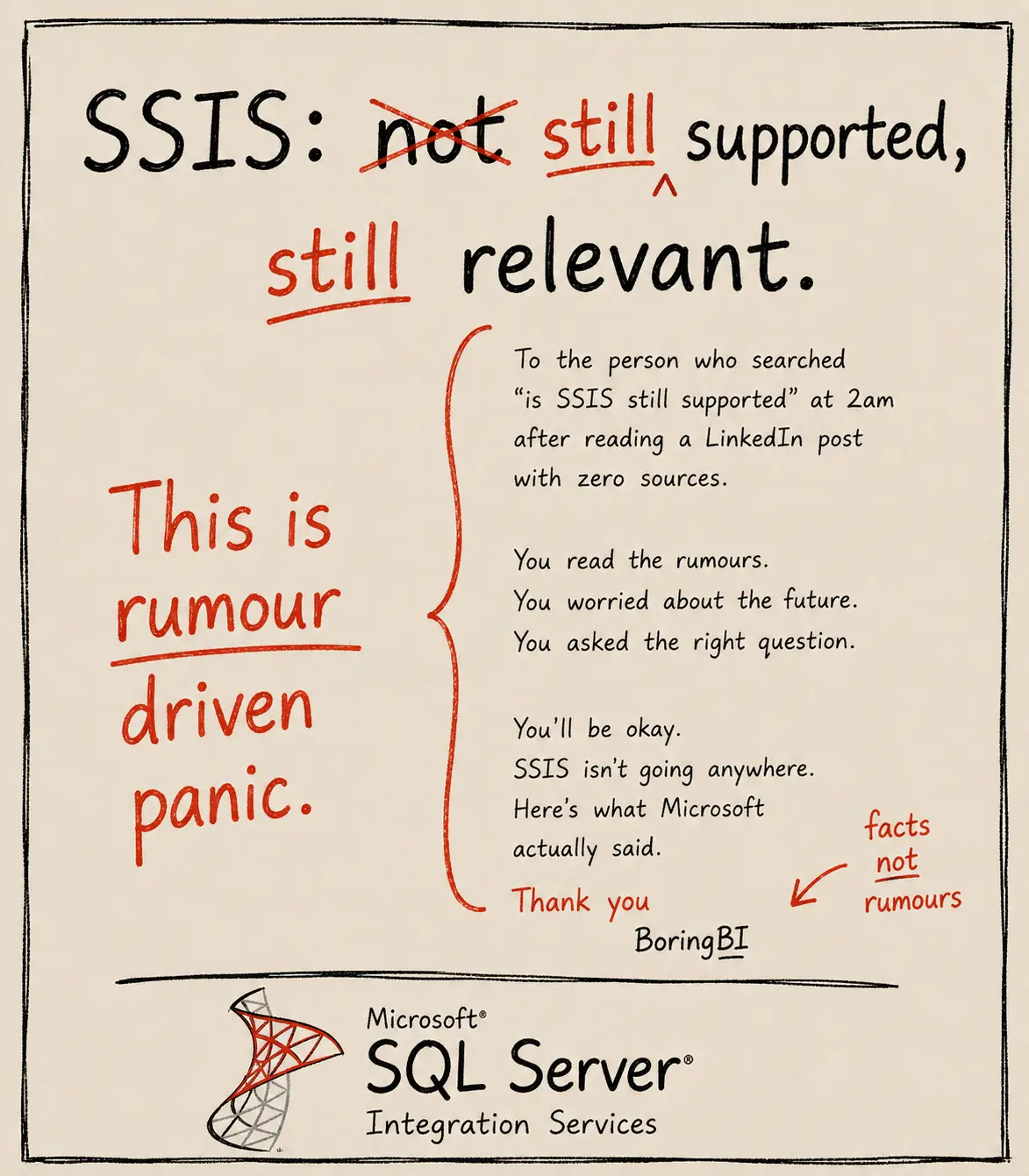
Search "is SSIS still supported," "is SSIS still relevant," or "is SSIS deprecated," and you'll find an odd mix of blog posts, AI summaries, forum threads, and confident opinions that don't agree with each other.
Somewhere between Microsoft's documentation and everyone else's interpretation of it, rumours quietly became accepted facts.
This article isn't about defending SSIS or convincing you to keep it. It's about separating what Microsoft has documented from what the internet has decided to believe, and why, for some organisations, staying on SSIS isn't a delay tactic. It's the deliberate choice.
What Microsoft Actually Announced
Microsoft's documentation tells a different story.
Microsoft did not deprecate SSIS. It shipped a new version of it.
SQL Server 2025 shipped with an updated version of Integration Services. The ADO.NET connection manager now supports the Microsoft SqlClient Data Provider.
Microsoft also removed some genuinely old things. A small number of legacy pieces were formally deprecated in the 2025 release: the legacy Integration Services Service used to monitor packages in the SSIS Package Store, 32-bit execution mode, and the SDS connection type. A separate set of older components have been removed entirely: Change Data Capture components by Attunity, the CDC service for Oracle by Attunity, the Microsoft Connector for Oracle, and the Hadoop Hive, Pig, and File System Task components.
One change actually requires attention. If your packages use the .NET API Microsoft.SqlServer.Dts.Runtime Namespace, common in packages with an Execute SQL Task or tasks relying on SQL Server Management Objects, those project references need updating and rebuilding before they'll work on SSIS 2025.
Legacy cleanup is not the same as a retirement announcement.
Microsoft's own documentation names each deprecated or removed component individually. That level of specificity doesn't exist for products that are actually being phased out.If you are running stable SSIS packages today, nothing in Microsoft's documentation tells you to stop.
Why the Question Keeps Coming Up
People aren't imagining the change. They're aiming at the wrong target.
SSIS has been part of SQL Server since 2005. Over two decades, organisations have watched Microsoft retire, rename, or fundamentally reshape enough surrounding products, including Reporting Services, Dataflow Gen1 and Master Data Services, that it's understandable people would assume SSIS might be next. Right??
Support Dates Beat Opinions
Then the funeral gets called off.
This is the fact most "is SSIS dying" discussions skip entirely.
SQL Server 2022, the version the majority of organisations are currently running, has mainstream support until 11 January 2028, and extended support until 11 January 2033, confirmed directly on Microsoft's own Lifecycle page.
SQL Server 2022 extended support ends 11 January 2033.
That is not a typo, and it is not an estimate; it's Microsoft's own published lifecycle date.Organisations already on SQL Server 2025 inherit that release's active support and roadmap. "Still supported" isn't really in question for anyone running a currently supported SQL Server version.
Why Some Organisations Are Choosing to Stay, Not Just Delaying
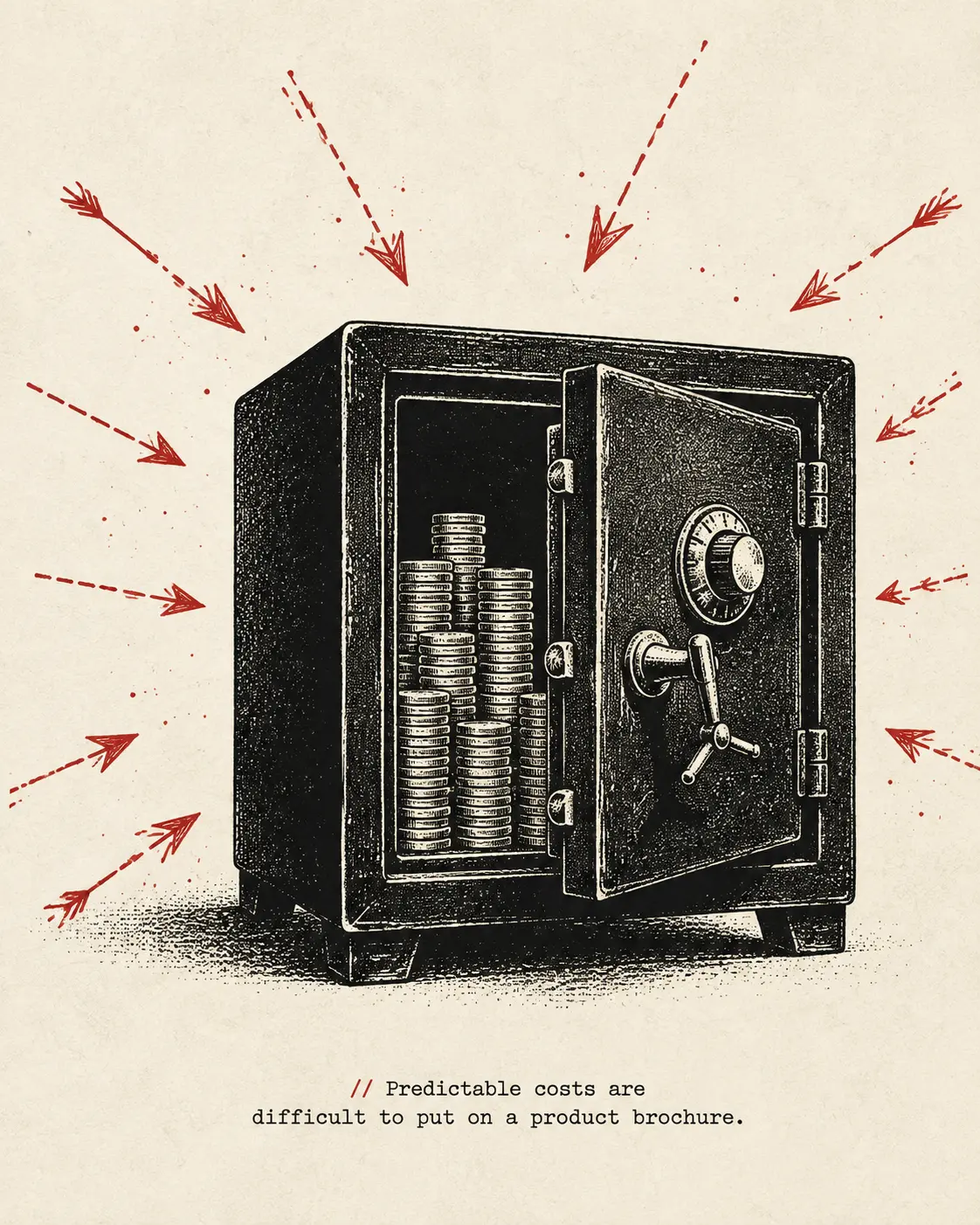
Staying is sometimes the deliberate choice.
Not every migration is overdue. Sometimes the architecture still fits the business remarkably well.
Not every organisation running SSIS today is waiting to migrate. Some are deliberately staying, and the reasoning is usually more considered than "resistance to change."
Organisations handling sensitive data often optimise for two things: predictable costs and predictable risk. On-premises infrastructure has a known operating model. Cloud-native platforms introduce variable compute, new operational dependencies, and different trust boundaries. For many organisations, remaining on SSIS isn't avoiding change, it's choosing the risk profile they already understand.
This also means the skills gap runs in both directions. As fewer new data engineers are trained on SSIS, organisations that depend on it increasingly value engineers who've actually worked with it. It's a shrinking talent pool, but for organisations still running SSIS, that expertise becomes proportionally more valuable. If your organisation is one of them, the key question isn't whether SSIS is still supported. It's whether you can find people who know it and whether you're comfortable with the alternatives. Sometimes that doesn't mean hiring permanently either. Specialist support can fill the gap without forcing a platform decision before you're ready.
What's Actually Changed, Stated Plainly
Five real developments, and none of them are a shutdown notice.
One thing worth being clear about: SSIS doesn't have its own separate support clock. It inherits whatever SQL Server version it ships with, which is also why "upgrading SSIS" really means upgrading the whole instance, not swapping out one component.
There is one genuine modernisation worth knowing about, and it deserves a slightly closer look. Azure-SSIS Integration Runtime is moving away from legacy authentication models towards managed identity. That's a security change. It is not a retirement notice.
Worth being precise here: Microsoft's own documentation isn't fully consistent on the exact date this applies to every affected scenario. If this touches your environment, confirm the current timeline directly with Microsoft's Azure Data Factory documentation rather than relying on a single secondhand source.
Technology doesn't become "legacy" the day a newer product appears. It becomes legacy when it no longer solves the problem it was bought to solve. Those aren't the same date.
| Situation | Reality |
|---|---|
| Running SSIS on SQL Server 2022 | Supported until January 2033 (extended support). No action required. |
| Upgrading to SQL Server 2025 | Extends support further: mainstream until January 2031, extended until January 2036. SSIS isn't a standalone upgrade; it comes as part of the full SQL Server instance upgrade, which is a real project in its own right. |
| Packages using .NET Dts.Runtime API | Genuine breaking change on upgrade: project references need rebuilding. |
| Azure-SSIS IR with legacy auth | Authentication modernising. Confirm the current timeline with Microsoft directly. |
| Building something new from scratch | Evaluate Fabric, ADF, or Databricks on merit, not because SSIS is being retired. |
What People Get Wrong
The rumours spread faster than the release notes.
"SSIS is being deprecated."
Microsoft has never said this. Every actual deprecation announcement names the component. Not the platform.
"SQL Server 2025 means SSIS is on its way out."
The opposite is closer to true. SQL Server 2025 shipped with an actively updated Integration Services and a current Azure Feature Pack release.
"If I don't upgrade, I'll lose support soon."
Not for years. SQL Server 2022 has extended support until January 2033.
"Azure-SSIS Integration Runtime is being retired."
A specific legacy authentication mechanism within it is being modernised. The runtime itself has no deprecation announcement.
"Nobody serious still runs SSIS."
Some organisations run it by deliberate choice, not oversight, particularly where data control and cost predictability outweigh the appeal of newer tooling. Staying isn't automatically falling behind.
One Clear Takeaway
Microsoft shipped a new version of SSIS. The internet held a funeral anyway.
That's the difference between documentation and discussion. The deprecations that exist in SQL Server 2025 are narrow, named, and documented individually, not a platform-wide sunset. For the majority of organisations still running SQL Server 2022, extended support runs until January 2033. And for some organisations, staying on SSIS isn't a delay, it's a considered decision about cost, control, and risk.
If your organisation is moving to Fabric, Azure Data Factory, or Databricks, do it because the architecture has changed, not because the headlines have.
Microsoft Learn — What's New in SQL Server 2025 Integration Services · Microsoft Learn — Integration Services Features Supported by the Editions of SQL Server · Microsoft Learn — Azure Feature Pack for Integration Services (SSIS) · Microsoft Learn — Upgrade Integration Services Packages Using the SSIS Package Upgrade Wizard · Microsoft Learn — Integration Services Backward Compatibility · Microsoft Lifecycle — SQL Server 2022 Support Dates · Microsoft Lifecycle — SQL Server 2025 Support Dates. All feature details and support dates subject to change. Verify directly with Microsoft before planning a migration.