
Microsoft released SQL Server 2025 without a new version of SSRS. SSRS remains on the 2022 release line, with no new feature development, as reporting innovation continues through alternative Microsoft platforms.
SSRS 2022 remains supported with security patches until January 2033. But the development roadmap is closed. No new features. No new versions. That is confirmed in Microsoft's own documentation.
This is why the searches are happening. "Is SSRS being discontinued?" "Is SSRS being replaced by Power BI?" This post is for the person who needs to understand what this means before committing to a timeline or a budget.
What Microsoft Actually Decided
Starting with SQL Server 2025, all on-premises reporting consolidates under Power BI Report Server.
No new versions of SQL Server Reporting Services will be released. That is a direct quote from Microsoft Learn.
Power BI Report Server handles everything SSRS does paginated RDL reports, row-level security, subscriptions and adds Power BI interactive reports, data modelling, custom visuals, and a schedule of three releases per year.
SSRS receives security patches only. PBIRS ships under Microsoft's Modern Lifecycle Policy with updates three times per year.
The key point is that SSRS is still supported and works, but new features and future development are focused on PBIRS, not SSRS.
Your Three Paths Stated Plainly
This isn't a two-option choice. There are three possible paths.
Stay on SSRS 2022
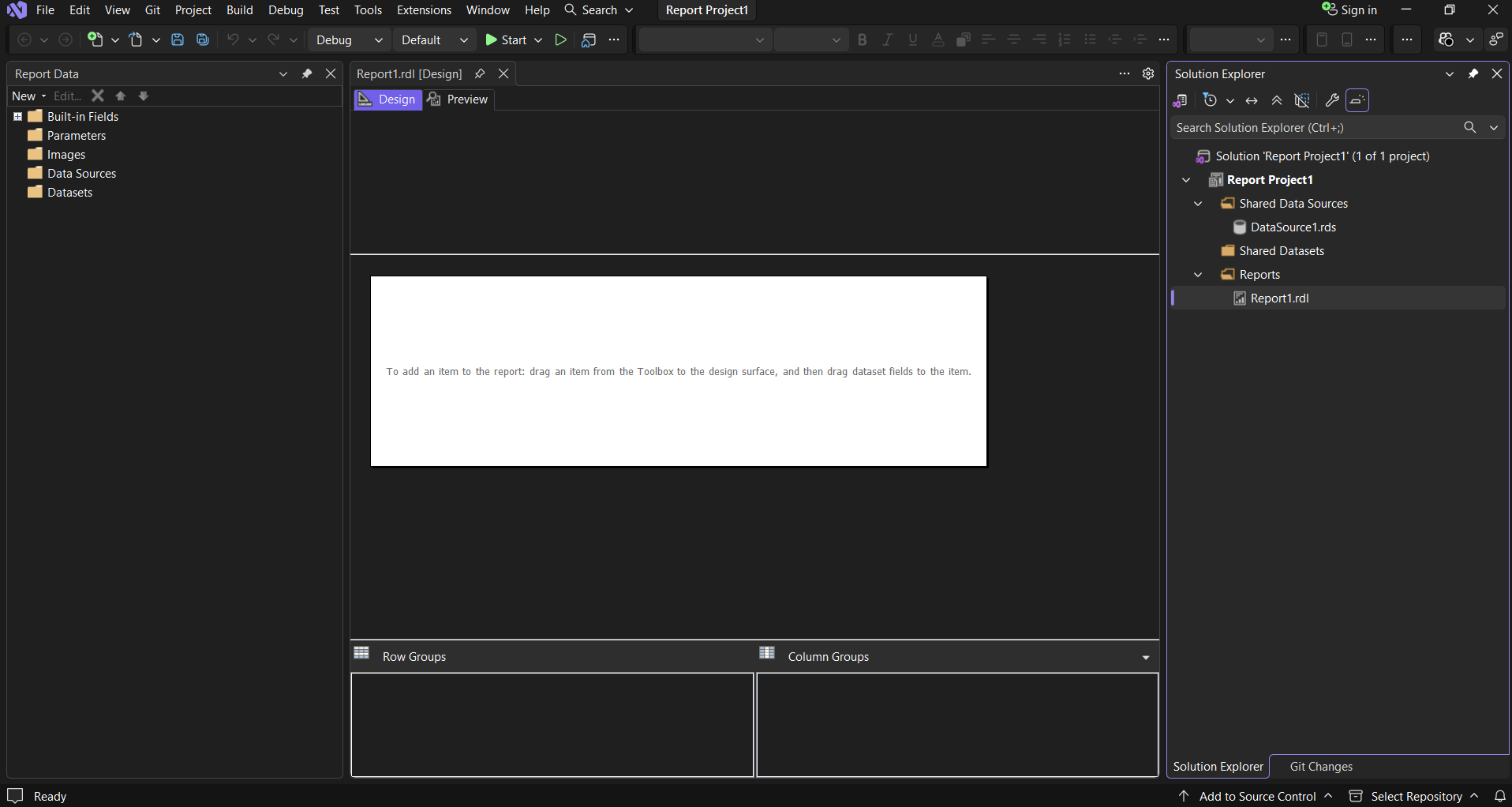
A legitimate choice, not a failure to act. If your reporting workload is dominated by pixel-perfect paginated output financial statements, invoices, and regulatory filings SSRS handles this well and will continue to do so until January 2033.
SSRS 2022 is compatible with later SQL Server Database Engine versions for hosting the reporting catalogue. SQL Server 2025 qualifies. What still needs validating even if you stay on SSRS 2022: data source connectivity to the upgraded SQL Server 2025 instance given driver and encryption changes, and report execution under compatibility level 170 for parameter-sensitive reports both flagged as breaking change risks in Red9's SQL Server 2025 analysis.
Move to Power BI Report Server on-premises
Microsoft's recommended on-premises path. As of SQL Server 2025, PBIRS is included with both Enterprise and Standard editions without requiring Software Assurance. This is a change from pre-2025 licensing, which required Enterprise with active SA. That change is confirmed by both the Directions on Microsoft analysis and Microsoft's own documentation.
PBIRS uses the same RDL engine as SSRS. It adds the ability to host interactive Power BI reports alongside paginated reports on one portal.
One important point confirmed directly by Microsoft Learn: there is no in-place upgrade from SSRS to PBIRS. A migration is always required. Migrations from SSRS 2022 specifically require Power BI Report Server May 2025 or later. The full migration guide is on Microsoft Learn.
Microsoft describes PBIRS explicitly as providing a seamless path to the cloud. It is positioned as a bridge, not a permanent destination.
Move to Power BI Service cloud
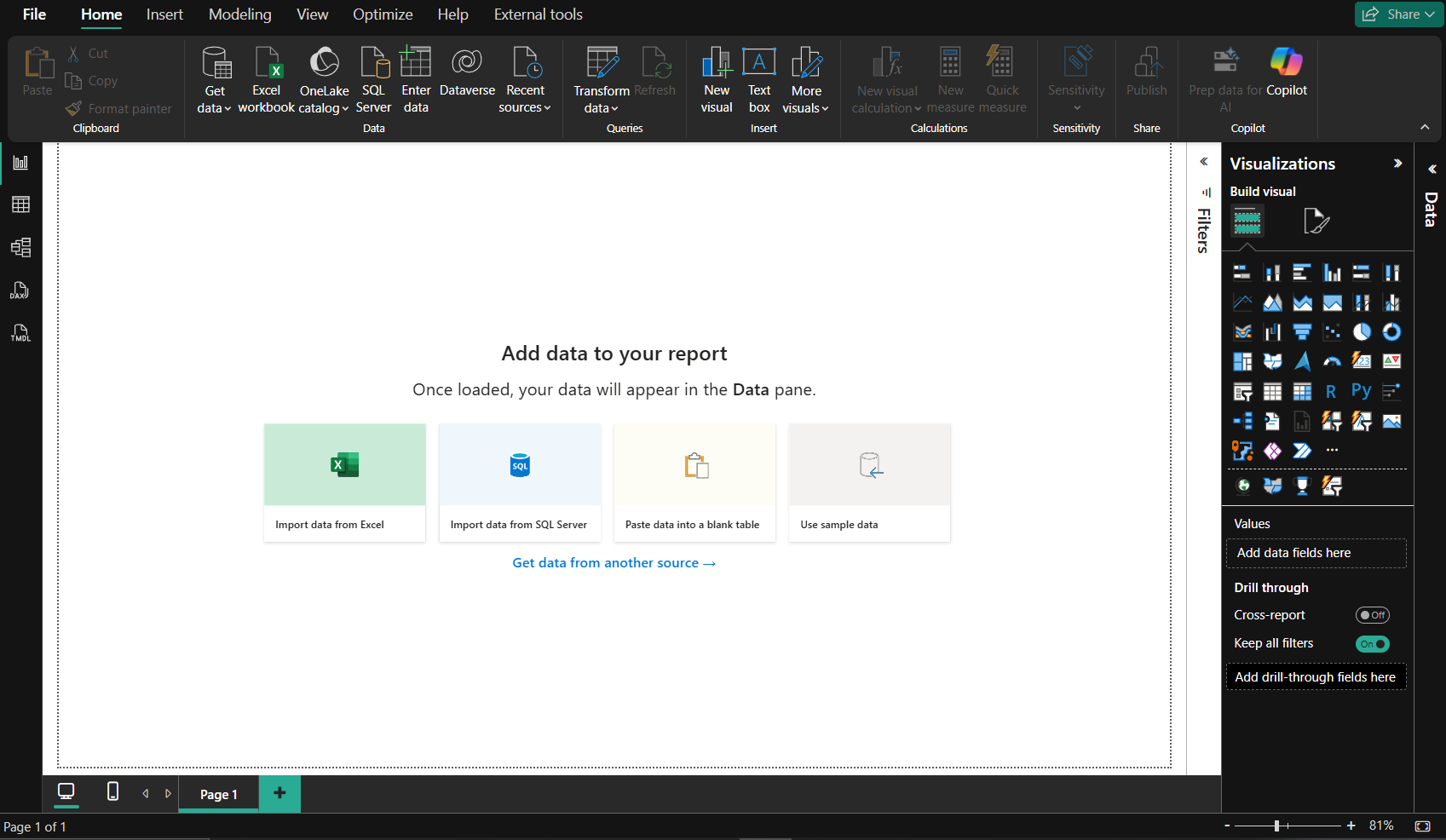
Microsoft's own comparison documentation confirms that PBIRS does not support dashboards, Q&A, real-time streaming, in-browser report creation, or app distribution those are cloud only features of Power BI Service. PBIRS releases three times per year. Power BI Service ships monthly.
The cost is the honest conversation to have before committing.
Microsoft Fabric capacity at the F64 tier the minimum required to allow report consumers to view content without individual Pro licences runs at €8,840.494 per month pay-as-you-go in the West Europe region, or €5,256.957 per month on a one or three year reservation.
That is approximately €63,000 per year on a committed term. Per-user Power BI Pro licences at €12.10 per user per month sit on top for anyone publishing content. Source: Microsoft Azure pricing page, West Europe region, June 2026.Microsoft's pricing pages state these are estimates. Actual pricing may vary depending on agreement type, purchase date, and exchange rate. Verify directly with Microsoft or an Azure partner before budgeting.
One additional licensing point
For organisations that already hold Power BI Premium P capacity or Fabric F64 or higher for cloud analytics, dual-use licensing rights may allow running PBIRS on-premises simultaneously. This is noted by Directions on Microsoft as a potential cost saving worth evaluating.
The decision filter
Directions on Microsoft outlines three scenarios, each leading to a different path.
Staying on Microsoft on-premises infrastructure long term PBIRS is the simplest move and comes with the SQL Server 2025 licence.
Already moving toward cloud Power BI Service is where Microsoft is investing. Do the cost calculation before committing.
No urgency, fewer than twenty reports, healthy SSRS estate staying on SSRS 2022 until 2033 is, in the words of Directions on Microsoft, "defensible."
See which of the three paths fits stay, bridge, or move to the cloud but still not sure which one's actually right for you?
That's a five-minute question, not a thirty-minute commitment. Email us or book a free discovery call.What Genuinely Transfers and What Has to Be Rebuilt
Most of your reports will migrate. Some will need rebuilding from scratch. Know which is which before you start.
What transfers cleanly
Standard tabular reports, matrix reports, charts, gauges, parameters including cascading and multi-value selections, page headers and footers, and drillthrough actions are all supported natively in Power BI Paginated Reports, as confirmed in Microsoft's Power BI Report Builder documentation.
Standard email and file share subscriptions map directly to Power BI paginated report subscriptions. Scheduled PDF, Excel, and Word exports continue to work.
Pixel-perfect output for invoices, financial statements, and regulatory filings remains in paginated report format Microsoft's stated positioning for paginated reports.
What requires rework
The following items require rework, as documented in Microsoft Learn's paginated reports and migration documentation:
Custom .NET assemblies referenced by SSRS reports cannot be used in Power BI Service. The logic needs extracting into stored procedures, Azure Functions, or Power Query steps.
VB.NET custom code blocks embedded in RDL files are not supported in Power BI paginated reports.
Data-driven subscriptions have no direct equivalent in Power BI. Microsoft's own guidance recommends rebuilding the subscription logic using Power Automate and the Power BI REST API.
Linked reports have no direct equivalent. Separate parameterised reports or URL parameter passing are the alternatives.
Shared data sources need recreating as gateway-managed data source connections.
Security assignments in SSRS do not migrate automatically. SSRS folder-level permissions and item-level roles need mapping to Power BI workspace roles before users are moved across.
What People Get Wrong
A common assumption is that upgrading SQL Server also upgrades SSRS. It does not.
SSRS has been a separate install since SQL Server 2017. SQL Server 2025 makes this worse there is no new SSRS version at all.

The report server must be treated as its own separate workstream. Encryption keys, stored credentials, subscription schedules, URL reservations none of this appears in database engine tests. As Red9 notes, you can validate every query and stored procedure and still have SSRS fail silently on cutover because an encryption key was not migrated or a linked server dependency hit SQL Server 2025's new encryption defaults.
Mistake two: assuming SSRS to PBIRS is an in-place upgrade.
Microsoft's documentation is unambiguous there is no in-place upgrade path. A migration is required. Teams that assume otherwise discover mid-project that their timeline has changed.
Mistake three: the quarterly update cadence.
Moving to PBIRS introduces a requirement to apply quarterly updates to maintain support. This replaces SQL Server's optional cumulative updates. Directions on Microsoft notes this will impact internal testing and validation processes and is not a set-and-forget transition.
When It Is Not Worth Starting Yet
Directions on Microsoft makes this point directly: there is no reason to panic or upgrade immediately.
SSRS 2022 is supported until January 2033. If your reporting workload is entirely paginated and pixel-perfect, SSRS 2022 serves that workload.
If you are mid-way through a separate infrastructure project, staging migrations reduces risk. Two migrations at once engine and reporting is more risk than one.
Directions on Microsoft specifically recommends evaluating how the PBIRS quarterly update cycle will impact internal processes and picking a point when upgrading is least impactful, such as during a regular hardware refresh or SQL Server version upgrade.
The worst outcome is a migration that never quite finishes leaving reports on both platforms simultaneously with no clear decommission point.
What the Process Looks Like When Done Properly
The technical work is only part of it.
Assessment first
Before migrating anything, query the SSRS execution logs to identify which reports are actively used, how frequently, and in what rendering format. Reports that haven't been used in the last 12 months should be considered for retirement rather than migration. In many organisations I've worked with, large numbers of reports are sat in the database untouched for months or even years. It's often only during migration projects that report usage is properly reviewed.
Classify every remaining report by complexity. Document every data source, subscription, and security assignment.
See our Migration services →Classify before you migrate
High-usage, low-complexity reports move first. Complex reports with custom code are scoped separately. Reports that are better served as interactive Power BI dashboards are rebuilt rather than converted. Some get retired.
Run both platforms in parallel
Microsoft's own documentation recommends running SSRS and Power BI in parallel and validating output before decommissioning.
Lock down new SSRS development from day one of the migration. Every new reporting request goes into Power BI.
Governance throughout
Maintain a single source of truth registry recording the authoritative location of every report as it migrates. Train users before they lose access to the familiar interface, not after.
One Clear Takeaway
The question is not whether to migrate. SSRS 2022 is frozen and the clock is running toward January 2033. The question is whether you migrate now or later, and which platform you migrate to. Getting that decision right before the project starts is worth more than any shortcut taken during it.
Not sure which path is right for your organisation?
If you are evaluating which migration path makes sense before committing to a direction, that is the conversation BoringBI has at the beginning of an engagement, not halfway through one. No pitch. No commitment. Just a clear look at your options.
Get startedNeed someone to do the work, not just plan it? Consulting & specialist support →
Not ready for a call? Email us instead →
Pricing sourced from Microsoft Azure pricing pages, West Europe region, June 2026. Migration steps and SSRS consolidation confirmed via Microsoft Learn, last updated February 2026. Licensing changes confirmed via Directions on Microsoft analysis. Breaking change risks flagged in Red9's SQL Server 2025 analysis. All prices are estimates subject to change verify with Microsoft directly before budgeting.